NizmoScreen is a full trading terminal with a live market map, pro charts, every order type, options, crypto and AI agents that work your rules. It runs on your own private server, so there's nothing to download and it keeps working when you close the laptop.
Click through the six areas people use most. All demos use practice data.
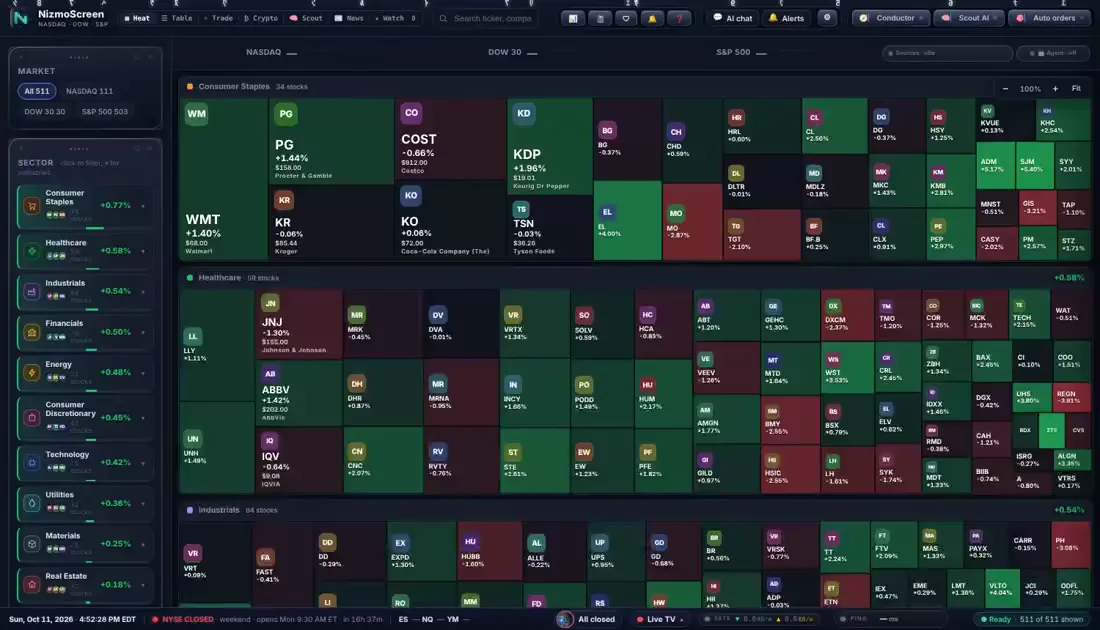
A live heat map of US stocks sized by market cap and coloured by today's move, with sector drawers, movers and filters for size, price, volume and valuation.
Timeframes from one minute to monthly, indicators and VWAP, drawing tools, and multi-timeframe views side by side. Replay rewinds history so you can practise bar by bar.
Market, limit, stop, stop-limit and trailing stops, brackets with stop loss and take profit, plus conditional orders, TWAP slicing and baskets. Positions, orders and fills sit in one blotter under the chart.
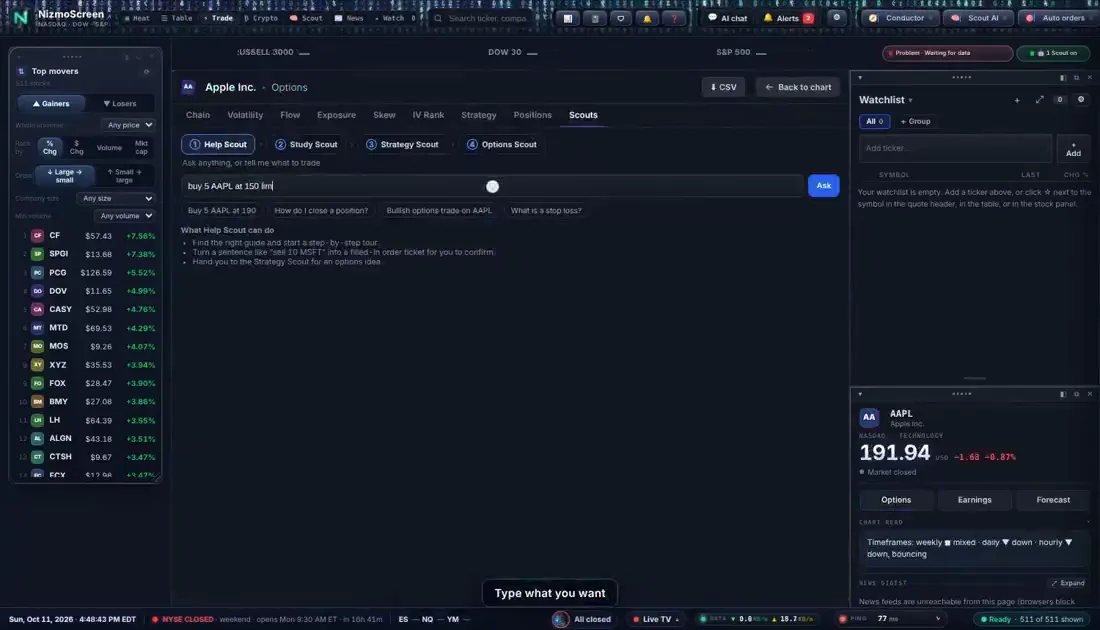
Scout AI reads charts and ranks ideas, the Chart agent watches the ticker you're on, and the Strategy Scout matches setups to proven techniques. Ask Help Scout in plain words and it fills in the order ticket for you to check.
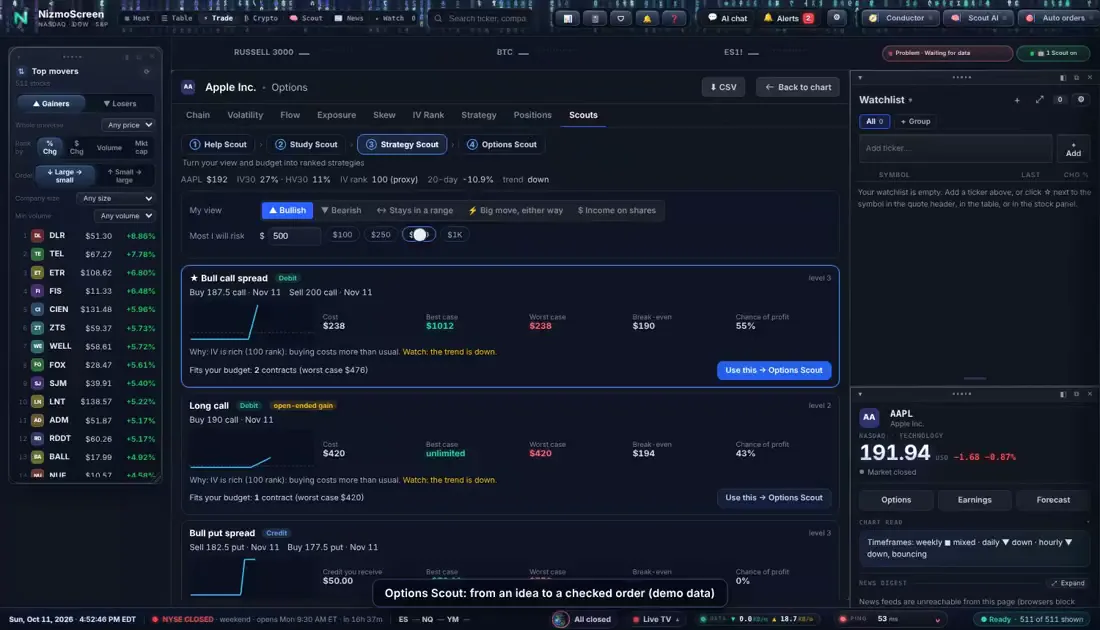
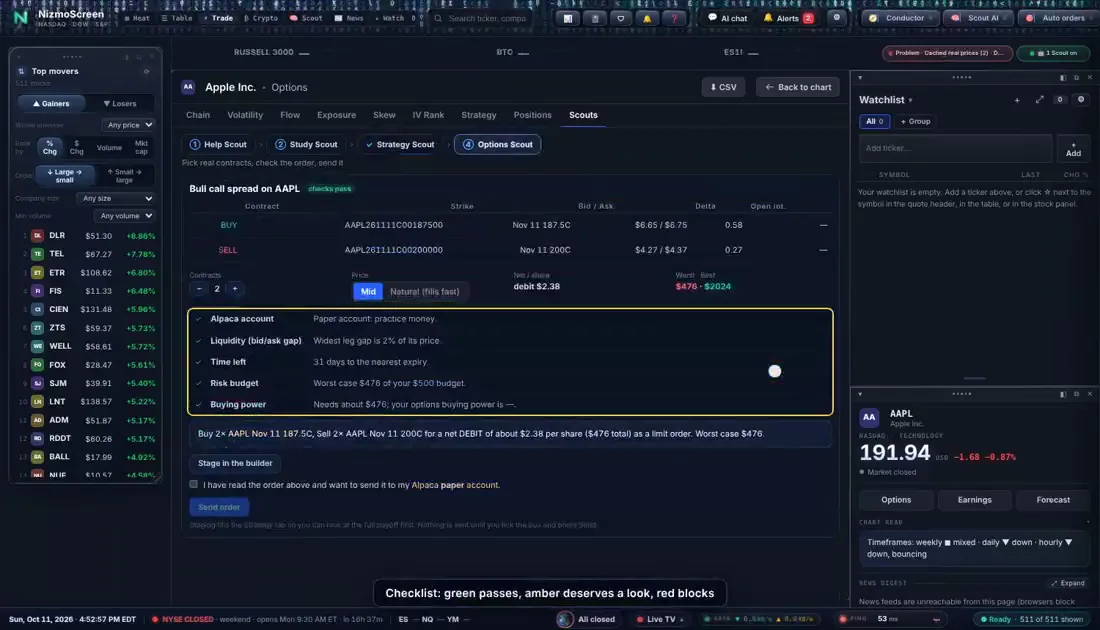
The full chain with Greeks, volatility, flow and open interest. Pick a view, and the Strategy Scout ranks strategies with their cost and worst case; the Options Scout checks liquidity, time and risk before you send.
Coins get their own page, list and wallet. Trade fractions by dollar amount, track the order book, and connect Coinbase or Binance.US when you're ready to go live.
The tools that stop a bad day becoming a bad month are built in, not bolted on.
Set a daily loss limit, a drawdown limit and a pace for new entries. When a limit is hit, new trades stop; exits and stops always go through.
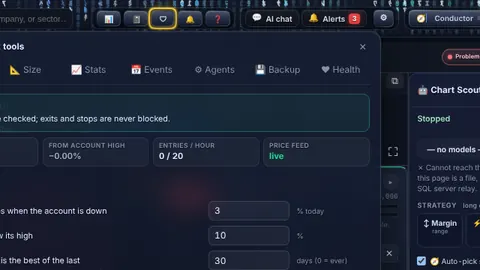
Stops and trailing stops live on your server, so they keep protecting positions when your browser is closed or your laptop is off.
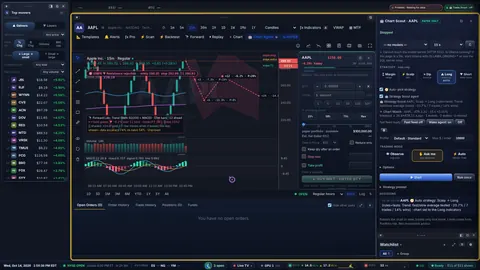
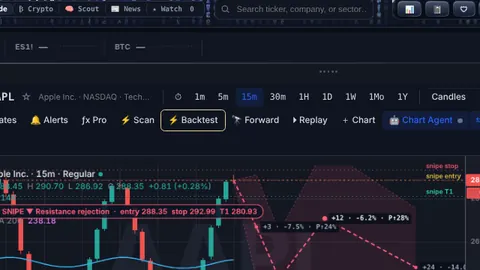
Test an idea on real history, fees included, before risking a cent.
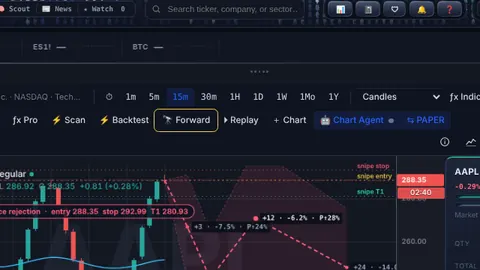
Proves a template on data it hasn't seen, so you don't fool yourself.
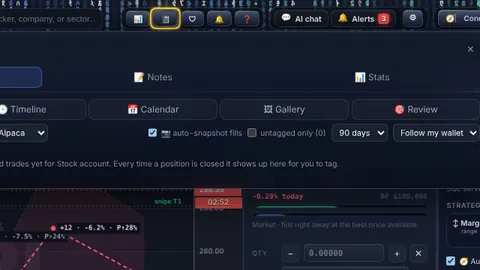
Tag every trade and see which setups actually work for you.
Agents, alerts and server-side stops run on your private server 24/7, so nothing depends on your computer staying awake.
Your own server, your own address, encrypted connections. Broker keys are stored on your server and never shared.
Open the same terminal on your desktop, laptop, tablet or phone. Your layout and watchlists follow you.
The agents run on GPU servers in our datacenter, not an outside AI service. Nothing about your trading is sent to an AI company.
Start on Paper to learn, or Trader to go live. Change plans any time.
Your private NizmoScreen goes live at your own address, backed up nightly.
Sign in from any browser, practise in paper mode, then connect your broker when you're ready.
Reserve today and keep launch pricing for as long as you stay. No payment until your terminal is ready.
Learn and practise with every tool, no real money
billed monthly, cancel any time
Reserve PaperTrade live through your own broker, with AI help
billed monthly, cancel any time
Reserve TraderA full AI desk: agents working in parallel
billed monthly, cancel any time
Reserve Desk| Compare plans | Paper | Trader | Desk |
|---|---|---|---|
| Markets and charts | |||
| Heat map, scanner and movers | ✓ | ✓ | ✓ |
| Charts, indicators, multi-timeframe | ✓ | ✓ | ✓ |
| Replay and Backtest Lab | ✓ | ✓ | ✓ |
| Forward Lab and advanced optimisation | – | – | ✓ |
| Trading | |||
| Paper trading, every order type | ✓ | ✓ | ✓ |
| Live trading through your broker | – | ✓ | ✓ |
| Server-side and trailing stops | – | ✓ | ✓ |
| Conditional orders, TWAP, baskets | Paper | ✓ | ✓ |
| Options chain and Greeks | View | ✓ | ✓ |
| AI | |||
| Help Scout and guided lessons | ✓ | ✓ | ✓ |
| Scout AI, Chart agent, Strategy Scout | – | ✓ | ✓ |
| Options Scout | – | ✓ | ✓ |
| Agents running at the same time | – | 2 | 6 |
| Conductor and Desk huddle | – | – | ✓ |
| Priority GPU time | Add-on | Add-on | ✓ |
| Your server | |||
| Private address and encrypted access | ✓ | ✓ | ✓ |
| Nightly backups kept | 7 days | 7 days | 30 days |
| Email and webhook alerts | – | ✓ | ✓ |
| Tax report and lots export | – | ✓ | ✓ |
Popular trading platforms side by side, at their monthly prices.
| NizmoScreen Trader | TradingView Plus | Trade Ideas Premium | TrendSpider entry plan | |
|---|---|---|---|---|
| Monthly price | $49 | $34.95 | $254 ($178/mo yearly) | from $82 |
| Runs in your browser, nothing to install | ✓ | ✓ | Partly: AI and backtesting are in the desktop app | ✓ |
| Your own private server | ✓ | – | – | – |
| AI that can place trades inside limits you set | ✓ ask-first or automatic | – | ✓ through a linked broker | Bots; no direct broker link |
| Stops that keep working when you log off | ✓ on your server | At your broker | At your broker | At your broker |
| Daily loss and drawdown limits for automation | ✓ the Guard | No built-in AI trading | Smart Risk Levels | Not stated |
| Backtesting | ✓ plus Forward Lab | ✓ | ✓ | ✓ |
| Stocks, ETFs, options and crypto in one place | ✓ | ✓ | US stocks focus | Stocks, ETFs, crypto |
| AI runs on the provider's own hardware | ✓ our GPUs | No AI agents | Not stated | Not stated |
Competitor prices are their published monthly prices as listed in October 2026 and can change; check their sites for current offers. Features compared are the plans named above. TradingView, Trade Ideas and TrendSpider are trademarks of their owners; EBSsystems.co isn't affiliated with them. Each is a strong product: TradingView for charting and community, Trade Ideas for real-time US stock scanning, TrendSpider for automated chart analysis.
Something else? Ask Vanessa, bottom right, or open a ticket.
No. NizmoScreen runs on a private server we host for you and opens in your browser at your own address. It works on Windows, Mac, Linux, iPad and phones. There is no app or download.
Every customer gets their own private NizmoScreen server. Your settings, watchlists, journal and broker keys live on that server, not on a shared system.
Alpaca for US stocks, ETFs and options, and Coinbase or Binance.US for crypto. You open the account with the broker yourself and connect it with your own API keys. Paper trading works without any broker.
Only if you let it. Agents can watch, suggest and wait for your approval, or act on their own within the limits you set. The Guard caps daily loss, drawdown and how often new trades can open, and every agent can be stopped with one click.
On our own GPU servers in our datacenter, not a third-party AI service. Your charts, positions and prompts are not sent to an outside AI company.
No. NizmoScreen is software: charts, research tools, order entry and AI assistants. It does not give personal investment advice, and nothing on it guarantees a profit. Trading can lose money; start in paper mode.
Yes. Every plan includes paper trading, Replay and the Backtest Lab, so you can practise and test ideas first. Many people stay on Paper for weeks before going live.
Soon. Reserve now to lock in launch pricing. You won't be charged anything today, and we'll email you when your terminal is ready.
Important: NizmoScreen is trading software, not investment advice, and EBSsystems.co is not a broker or financial adviser. Trading stocks, options and crypto involves risk, and you can lose more than you expect. AI agents can be wrong. Past results, backtests and paper trading don't guarantee future results. Live trading happens through your own account with a third-party broker, under their terms.
Reserve now to lock in launch pricing. No payment today, and nothing to install, ever.
